


Instagram Profile Downloader

Instagram Profile Downloader helps you get bulk high-quality content from Instagram accounts in seconds.

Original HD quality
No watermarks
Multiple posts download

Inflact is not affiliated with Instagram™. We do not host any Instagram content. All rights belong to their respective owners.
We respect privacy — only public content is available.

How to Use Instagram Profile Downloader?

You can download an Instagram profile in 3 simple steps with the Inflact IG Profile Downloader. Our tool is designed to help you quickly save an IG profile in its original quality.

  1. 1

    Copy the
    @username

  2. 2

    Paste the copied @
    into the search bar

  3. 3

    Press the Download
    button

Download a Full Account in Personal Cloud

Access all posts from a public account or only selected files in just one click. Use Inflact Cloud — our premium storage that lets you organize and store chosen items in one secure space.

To move files to the Cloud, select the folders you’d like to keep and click “Add to Cloud”. If you’re subscribed to our Instagram Tracker, all new content, such as photos and videos, from monitored accounts will automatically appear in Cloud.

Get Premium

Why Use Inflact Insta Profile Downloader?

Elevate your content downloading experience with an Instagram account downloader that goes beyond simple saving:

  • Cloud Storage Feature: Don’t download instagram profiles data directly to your device, store content in the Inflact Cloud and keep your storage free.
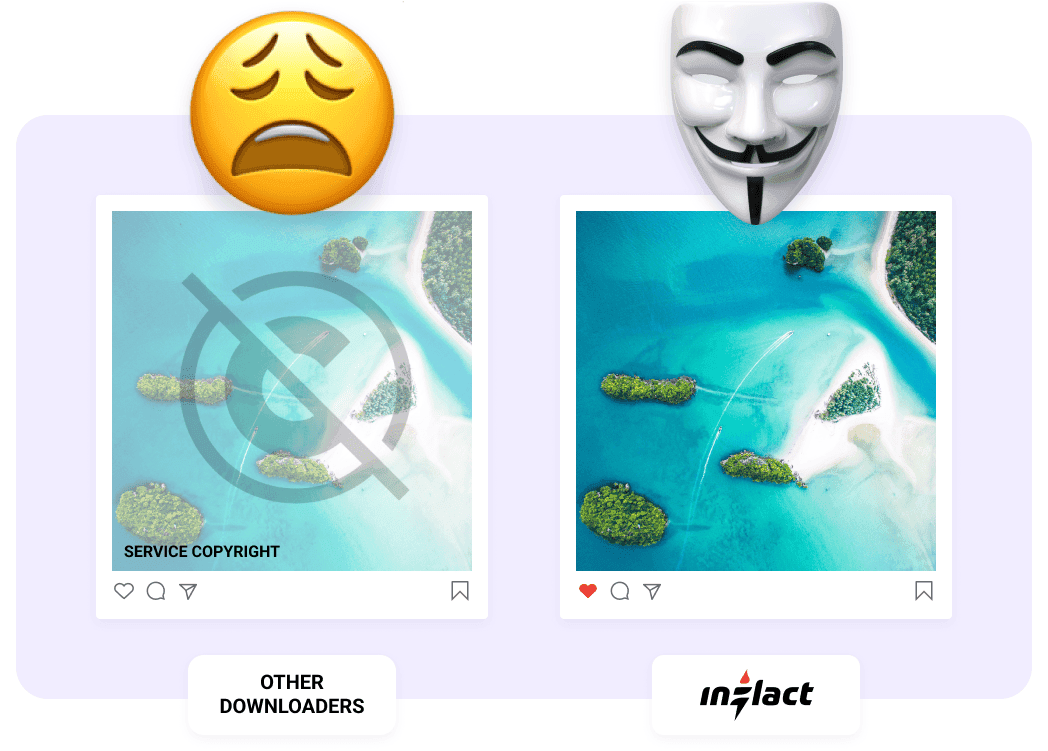
  • Original Quality: Our IG profile saver preserves profile pictures and videos in their original quality without watermarks or logos.
  • Bulk Downloads: The fastest Instagram profile saver for grabbing full content in bulk.
  • For All Devices: Download Instagram profiles on any device - Android, Windows, Mac, iOS and via any browser.
Secure Instagram Full Profile Downloader

Experience full anonymity with our proxy-based service. We don’t request any login details, so your personal data remains secure. You can download IG Profile without staying in view count stats. It’s the perfect way to build your own content library for offline viewing while staying anonymous. Keep in mind that it works with public accounts only.

Pricing
For Instagram Profile HD Saver

A free plan allows up to 3 downloads per day. If you need more attempts, choose a Pro Plan and enjoy using the full benefits of the tool.

Full profile download
1 Profile
Public accounts only
Bulk posts download
Instagram Viewer
Content downloads limits
Original HD quality
No ads
Free
$
0.00
Per month
Get Premium to unlock more limits in Instagram Downloader
Full profile download
Bulk posts download
Instagram Viewer
Content downloads limits
Original HD quality
No ads
Premium
$
7.8
Per month
Get Premium
Full profile download
1 Profile
Public accounts only
Bulk posts download
Instagram Viewer
Unlimited
Content downloads limits
Unlimited
Original HD quality
No ads

Get a Full Instagram Profile in 1 Click

Download full Instagram profiles without any limits in original quality with a Premium plan.

Unlimited post downloader
Premium
fast proxies
Bulk download in one click
Original
HD quality

Over 200K satisfied clients worldwide

Excellent
4.2 of 5
Based on 641 reviews
Trustpilot
Jan 12, 2026
I’ve been using Inflact for a long time…
I’ve been using Inflact for a long time and I personally contacted support several times asking for the option to download content separately. Posts, reels, stories, highlights. I’m really happy they finally added this feature. It makes such a big difference for my workflow and saves me a lot of time. Now I can download exactly what I need without extra steps. I also like the new Media section. It’s much easier to keep everything organized in one place instead of constantly downloading files to my device. The update system is very clear too. You can quickly check what’s new and update only the content you want. Huge thanks to the team for actually listening to user feedback. This update genuinely made my work much easier.
Aug 10, 2025
Great Instagram Downloader
I have really enjoyed this website. It has been very helpful to me. I had an issue, and the customer service people have been very helpful with that. I would recommend this site to anybody who asks about an Instagram downloader.
Jun 15, 2025
Had an issue with the download process
Had an issue with the download process. The support team was able to help as quickly as possible to get things moving along. I have used the site for more than one project. It always goes well.
Jun 10, 2025
What I was looking for to download content in minutes
I’ve been looking for something to save me time when downloading content, and this app did exactly that. I was able to download full Instagram profiles in just minutes, something that would normally take me hours to do manually. Super easy to use and fast. 100% recommended!!
Jun 10, 2025
Very user friendly
Very user friendly, and there are no hidden catch. You can download thousands of IG contents in an instant. Highly recommended
Jun 10, 2025
Helpful Tool to Download IG Profiles
I purchased this product to be able to download upto 3 Instagram profiles fully. I was able to use it for this purpose. This tool also has many other features and functionalities and I hope I can explore them one by one going forward as per my need.
May 28, 2025
Quick and easy downloader
Super handy for saving Instagram content to my device with just a few clicks.
May 27, 2025
By far one of the best sites for…
By far one of the best sites for downloading someone's entire instagram account
Apr 10, 2025
Decent downloader
Decent downloader, but sometimes videos take longer to process.
Feb 10, 2025
Fast & Hassle-Free Media Saver
Didn't expect it to work so smoothly! Just copy the link and boom - the video or photo is on my device in seconds. No weird ads, no complicated steps. Super useful when I want to save something for later. Love it!

Need help?

Read our blog to learn more about some new techniques for Instagram promotion. If you have any questions about our service, visit our FAQ section.

About
Functionality
About

What is an Instagram profile downloader?

The IG Profile Downloader is a web-based service that allows users to save an Instagram profile in full. Unlike single-file tools it performs bulk downloads of all publicly accessible media from the account’s history (excluding removed, archived, or private ones). This spares you from tedious manual setup for each piece of content, making saving media a one-click task. A user gets to store content offline, which means it remains 100% safe, or access any public page without registration. The service also helps ensure that your personal feed uploads are backed up. Whatever the reason, be sure to get what you want on any device without further ado!

How to choose a trusted service to download from Instagram?

There are three alternatives to preserve any IG visual content. Apps and extensions require sign-ups or installation to start the download process. This is how users can cut down on time as such tools often give the ability to save directly from the platform. Yet, it can run your personal data leaks or hack experiences due to chances of hitting on malware instead.

To start the online instrument you should go to the official site which may not be that fast. Still, software of this kind enables the security of your personal IG profile and private data. So, think about your priorities and side with the relevant option.
Functionality

How many videos or photos can I download using Inflact Profile Downloader?

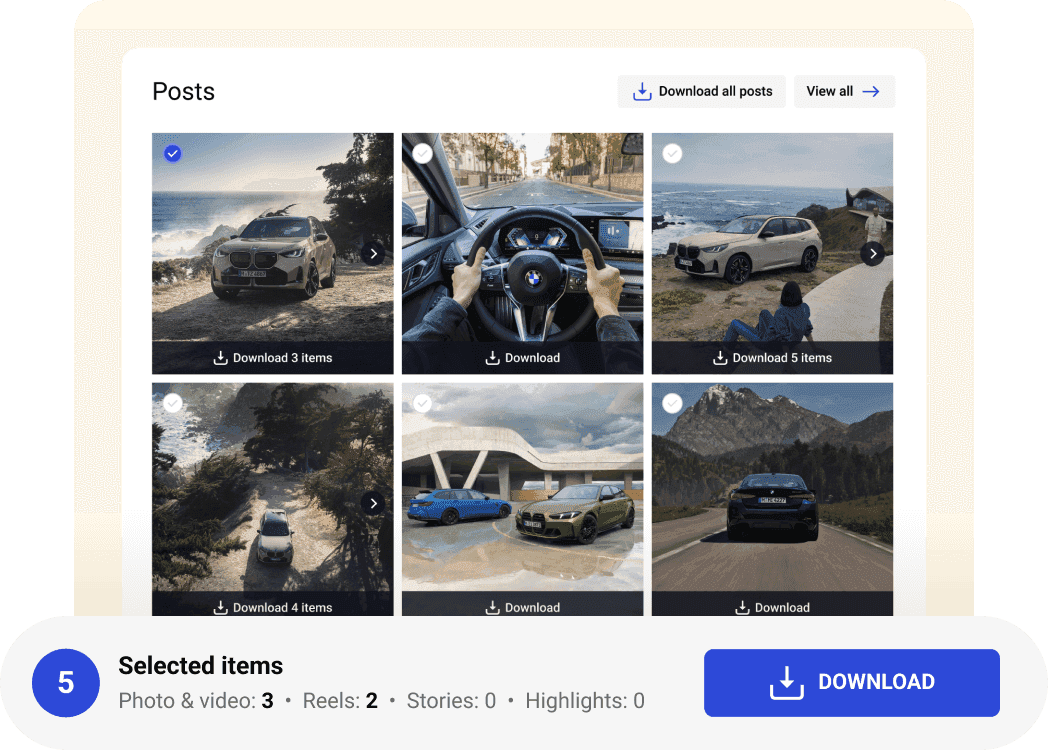
The tool allows to download the entire Instagram profile at once. For more targeted downloads, simply select a preferred content mode before starting the process. Options include photos, videos, Reels, Stories, etc., enabling precise control of what gets saved. This flexibility ensures you capture exactly the media types relevant to your needs. You can restart full downloading later to complete all unfinished transfers.

Where is media saved on a computer?

Instagram profile downloads usually go to Downloads. Also, you can use the option Save As and change the download location. To check Downloads, you need to do as following:
Google Chrome browser
For Windows. Use the shortcut (Ctrl+J), and you will see the list of downloads.
For Mac. Use the shortcut (Shift+Command+J) to see the list of downloads.
Using the Firefox browser, you need to press the same key combination to view the downloads list.