



Instagram Story Downloader

How it works

The Insta story downloader is a service that saves IG stories so users can view or store them offline. Need one tool for all Instagram media? Try the Instagram Downloader.

Original HD quality
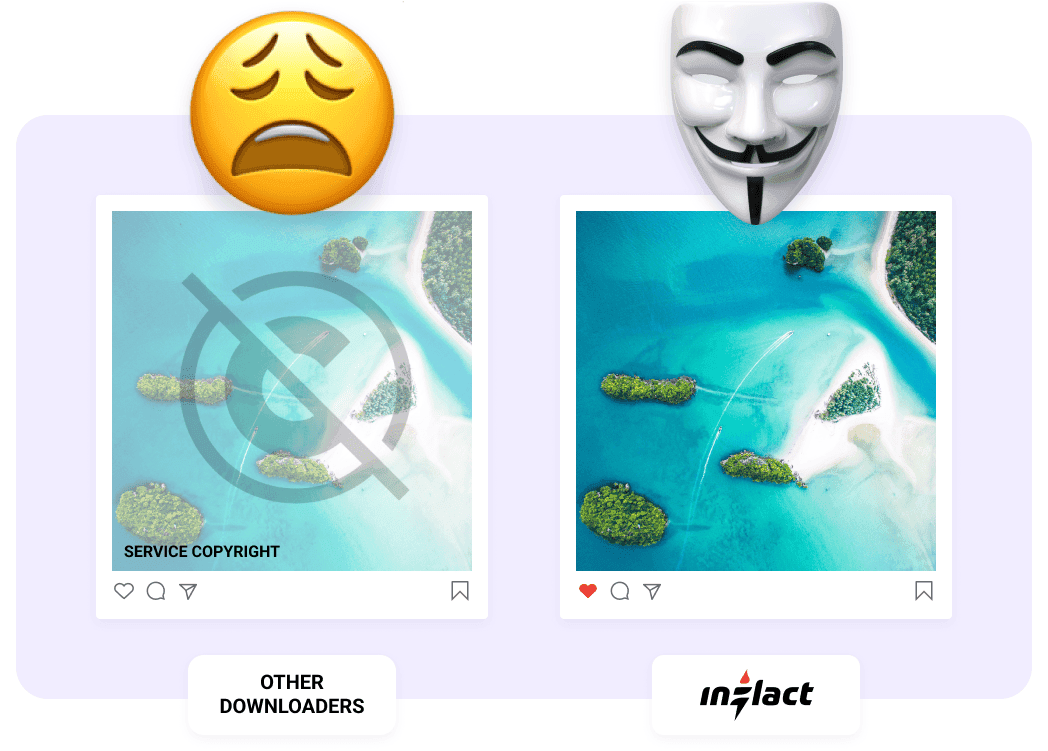
No watermarks
Multiple posts download

Inflact is not affiliated with Instagram™. We do not host any Instagram content. All rights belong to their respective owners.
We respect privacy — only public content is available.

How to Use IG Story Downloader?

When you download an Instagram Story with our Instagram story saver, you get an exact high-quality copy of the file with no watermarks or logos. It’s the best way to download IG stories quickly and securely.

  1. 1

    Tap to сopy
    the link

  2. 2

    Paste the copied URL
    into the search bar

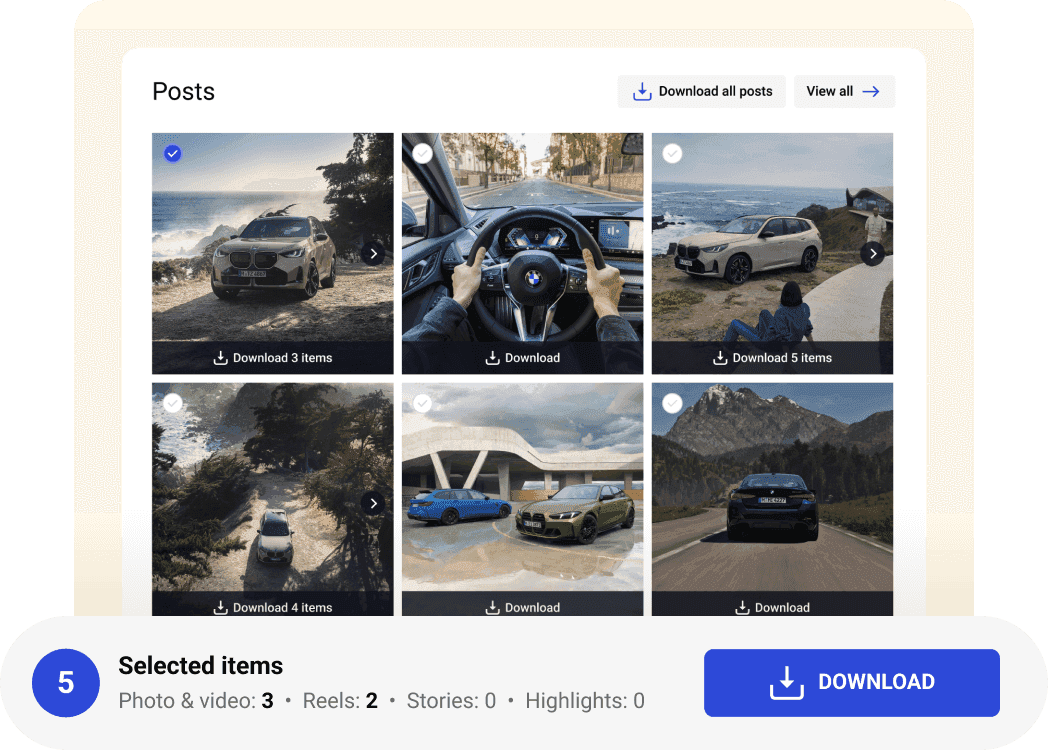
  3. 3

    Press the Download
    button

Download a Full Account in Personal Cloud

Access all posts from a public account or only selected files in just one click. Use Inflact Cloud — our premium storage that lets you organize and store chosen items in one secure space.

To move files to the Cloud, select the folders you’d like to keep and click “Add to Cloud”. If you’re subscribed to our Instagram Tracker, all new content, such as photos and videos, from monitored accounts will automatically appear in Cloud.

Get Premium

Why Use Inflact Instagram Story Downloader?

Our IG story saver​ is the most reliable way to download stories from Instagram (public profiles only) safely and fast.

  • Space-Saving Storage: Keep your device memory free by using Inflact Cloud to store your downloads and access them on any device.
  • 100% Private: Download Instagram Stories completely anonymously with no login or any data required.
  • Save Everything: Don’t miss a thing, download Instagram Stories and save all highlights in their initial resolution.
  • Original Quality: Every Instagram Stories download is delivered in HD without watermarks, logos or quality loss.
  • Zero Installations: Our Instagram Stories downloader works online via any browser and on any device without installing apps.
Download Instagram Stories Anonymously

Download Instagram Stories from any public account without staying in view count. Inflact Instagram Stories downloader uses a secure proxy, so no login details are required to save IG story content. Your activity stays private, and nobody will know you've watched or saved their stories and highlights.

Pricing
for IG Story Saver

The Insta Story Downloader is available in both free and premium plans. Download up to 2 stories daily at no charge for your creative pursuits. If you’re ready to take your experience to the next level, upgrade to a paid subscription for unlimited downloads. You can also purchase a standalone tool or upgrade to the Pro package, which offers an all-in-one set of useful social media management tools and services. Try a week-long trial for just $3 to make a final decision.

Full profile download
1 Profile
Public accounts only
Bulk posts download
Content views limits
Content downloads limits
Original HD quality
No ads
Free
$
0.00
Per month
Get Premium to unlock more limits in Instagram Downloader
Full profile download
Bulk posts download
Content views limits
8 per day
Content downloads limits
2 per day
Original HD quality
No ads
Premium
$
7.8
Per month
Get Premium
Full profile download
1 Profile
Public accounts only
Bulk posts download
Instagram Viewer
Unlimited
Content downloads limits
Unlimited
Original HD quality
No ads

Get a Full Instagram Profile in 1 Click

Download full Instagram profiles without any limits in original quality with a Premium plan.

Unlimited post downloader
Premium
fast proxies
Bulk download in one click
Original
HD quality

Over 200K satisfied clients worldwide

Need help?

Read our blog to learn more about some new techniques for Instagram promotion. If you have any questions about our service, visit our FAQ section.

About
Functionality
About
How to download Instagram stories?

You can download Instagram stories directly from the app if you are the creator. Tap the three dots in the upper right corner, select Save from the dropdown menu, and get the photo or video in your device’s gallery. However, the platform does not offer a built-in option to save other people’s stories. To do that, you’ll need to use third-party services like the Instagram Stories Downloader to have these media files in their original quality and resolution on your device.

Functionality
Can I download Instagram stories to any device or browser?

Our web-based Instagram story download tool works flawlessly in any browser on iOS, Android, or desktop. To save an Instagram story, just open the tool on Inflact’s website, copy the Instagram profile URL and paste it into the tool’s search bar. Then press the ‘Download’ button. You’ll see all the stories currently available on the selected user’s Instagram page. Download the story you need and it will land in the Gallery or in the Downloads folder seconds later. Please note that the tool doesn't save both stories and highlights. If the second media type is a priority, you'll need to switch to a relevant option in the menu or dashboard.

How to save Instagram stories without text?

You can download Instagram stories exactly as they appear when posted. This means that if the original story includes text (or any other visual elements), it can't be removed during the download — the entire story will be saved exactly how you see it in-app, with all visual elements intact. However, our Instagram Story Downloader saves stories without adding any watermarks, so you can enjoy the original content.

How to save old Instagram stories?

After you enter the username or profile link into the Instagram Story Downloader search bar, the tool will show you the stories that are currently available on the user’s profile. Since it is a temporary content type that disappears after 24 hours, older stories are not accessible through the downloader once they expire. However, you can use our Instagram Stories Viewer to track a user’s story updates in real time and automatically save them before they are gone. Or you can check if they were added to Highlights and switch to the Highlight Downloader option to save it from there.