How to compose a message correctly and make your direct mailouts more effective
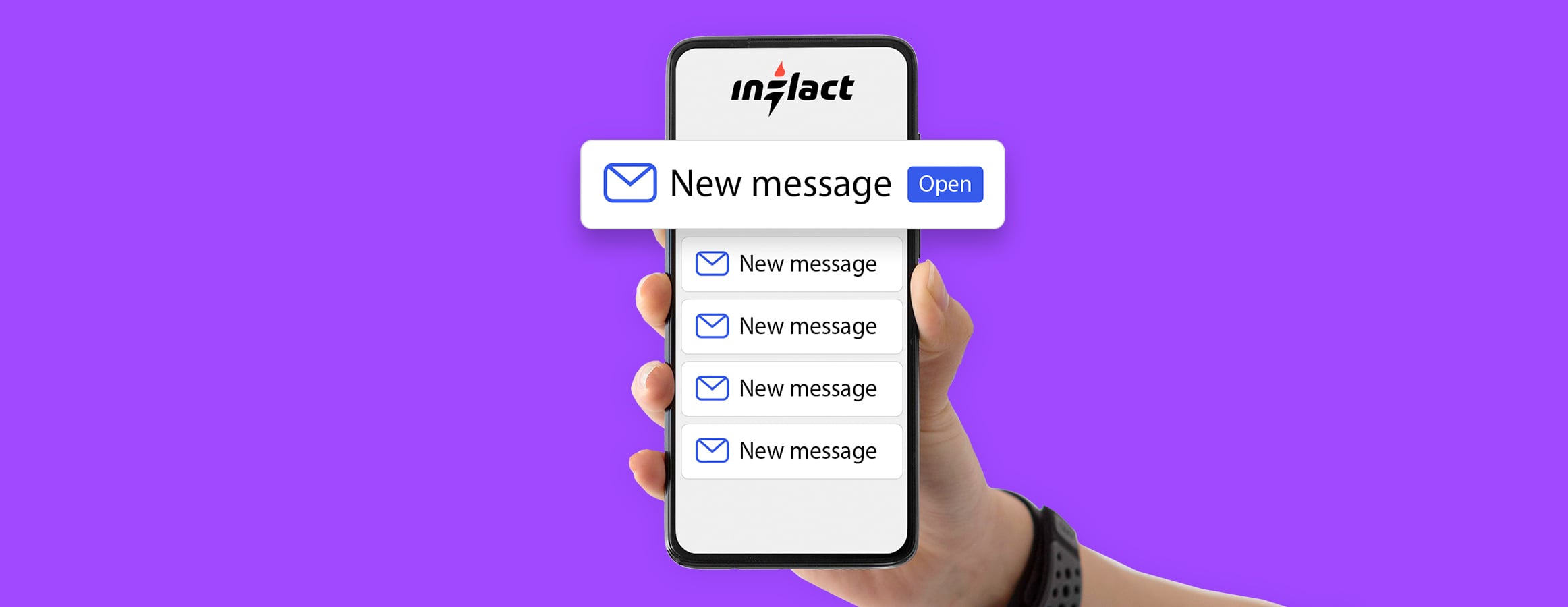
Getting marked as spam on Instagram is annoying enough. But it gets worse: your campaign stops, and your account may face a temporary block. We at Inflact have analyzed why this happens and how to avoid it. In this guide, you'll learn proper text structure, randomization techniques, and how to avoid links, images, and other common triggers.
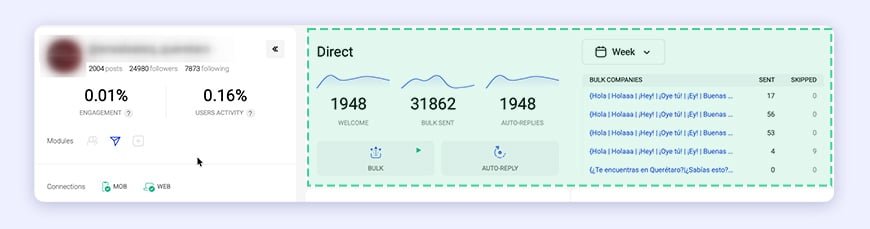
Why do messages get marked as spam?
Instagram’s filters are smarter than ever. They look for patterns:
- Someone manually marks your message as spam.
- Using too many advanced filters (language, gender, followers, following, posts, last update) can make your messages look automated and increase spam risk.
- Identical messages sent to many users.
- Links in DMs (this often results in a temporary messaging block).
- Images + text combined- the system counts an image as a “second message,” so you effectively send half as many messages.
- Complicated content (e.g., a link + a photo together) almost guarantees a fail status.
What to do if your status is “Fail”
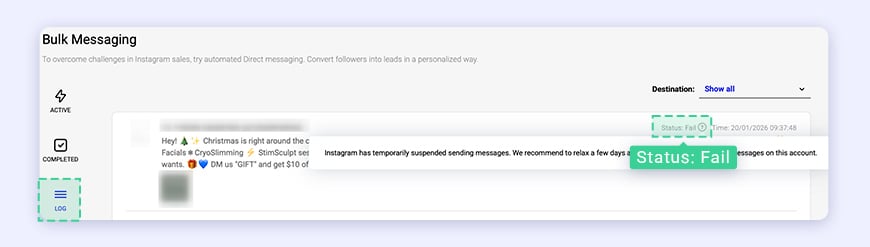
If a fail status appears in your Inflact Direct Module, don't panic, just follow this recovery plan:
- Pause your campaign for 3-4 days. No messages at all.
- Change your Instagram password and make sure it's updated inside Inflact.
- Start from scratch with a new message. Old text = old problems.
- Randomize your text using { | } brackets. Not sure how? Check the template below.
These basic guidelines will help you avoid problems and keep your messages running smoothly:
Rule #1. Avoid Sending Links or Images
A single link in your DM risks a temporary account block. However, pairing a link with an image guarantees a fail status since Instagram's system flags this combination immediately.
Rule #2. Always Randomize Your Text with { | }
Why? Identical messages are a spam flag. Randomization makes every message unique.
How to use brackets:
- {}- everything inside will be randomized.
- | - separates different options.
You can randomize words, whole phrases, or even full sentences.
Basic example:
{Hi | Welcome | Good day}
This creates 3 unique greetings. The system will automatically select one of the options, and the user will receive one unique response.
Rule #3. Contact Users Directly with @username
Instagram sees personalized messages as legitimate. You can include the recipient’s @username inside your template.
Any message you send to a follower will automatically include their unique username.
Correct:
{Hey | Hello} @username, {check this out | take a look}!
Incorrect (impersonal):
Hey user, check this out!
Example of a final ready-to-use template:
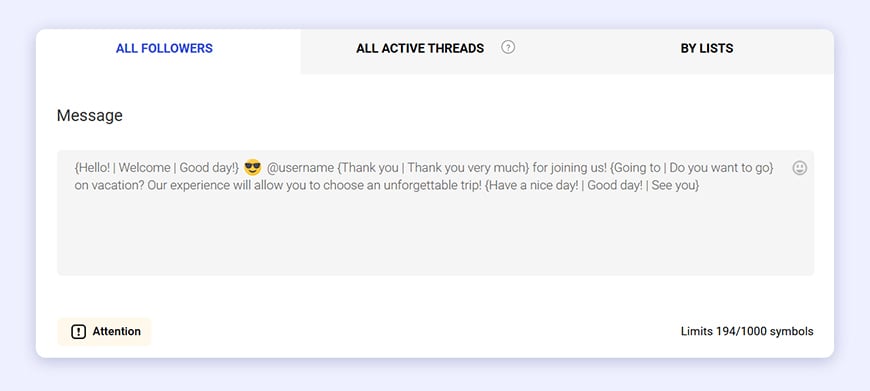
{Hello! | Welcome | Good day!} 😎 @username {Thank you | Thank you very much} for joining us! {Going to | Do you want to go} on vacation? Our experience will allow you to choose an unforgettable trip! {Have a nice day! | Good day! | See you}
Note: The emoji 😎 is safe- it’s not an image file. Small text emojis are fine.
Pro Tips from Inflact Support
- For best results, keep each message under 1000 symbols.
- Use 3–5 randomization points per message.
- Avoid urgency/pressure – “Buy now!!!” triggers filters.
- Stay safe: don't exceed 100 replies per day.
Quick Checklist Before You Start
Check | Item |
❌ | No links (http, www, bit.ly) |
❌ | No image attachments |
❌ | No identical messages in a row |
✅ | {Randomized | Using | Brackets} |
✅ | Includes @username |
✅ | Plain text only (emojis OK) |
Direct Module is far more than mass messaging. It's an autopilot for Instagram Direct: automated welcome messages, smart keyword-triggered replies, custom user lists, personalized offers, and message status tracking. Generate leads, boost engagement, and save hours of manual work.
Want to learn more? Take a look at our YouTube video tutorial or reach out anytime via chat or email at hello@inflact.com. We'll review your message for spam risks before launch.
-
Why do messages get marked as spam?
-
What to do if your status is “Fail”
-
These basic guidelines will help you avoid problems and keep your messages running smoothly:
-
Rule #1. Avoid Sending Links or Images
-
Rule #2. Always Randomize Your Text with { | }
-
Rule #3. Contact Users Directly with @username
-
Pro Tips from Inflact Support
-
Quick Checklist Before You Start

Related Articles



Significant benefits